How to Resolve a Turo Reimbursement Mismatch
A reimbursement mismatch means source records don't agree with the billed amount — the difference must be explainable.
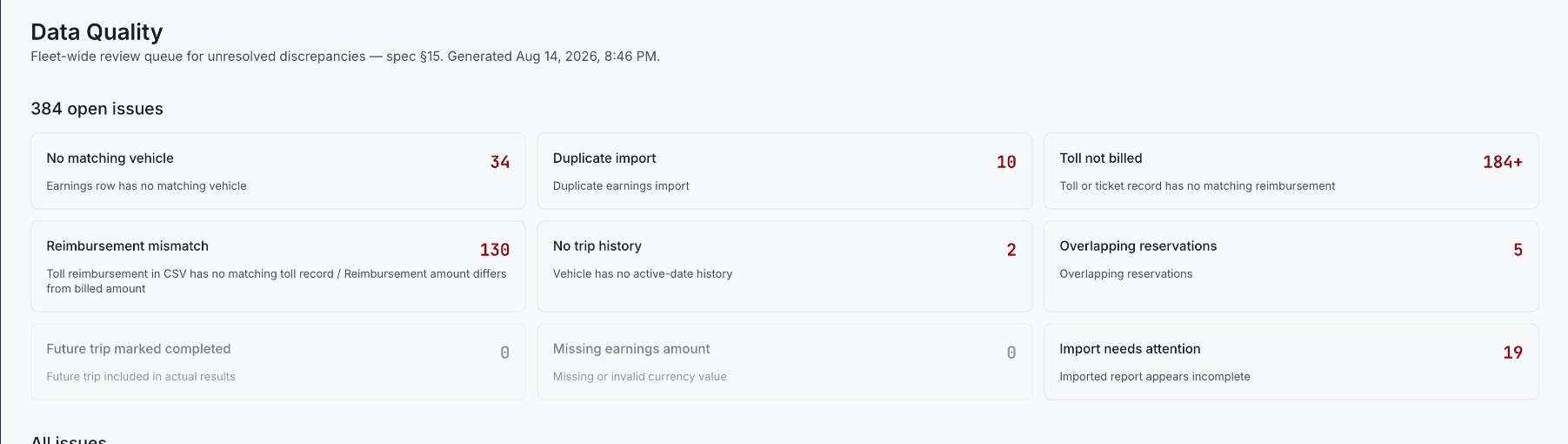
A reimbursement mismatch happens when source toll or ticket records don't agree with the amount billed, approved, or paid. The difference may turn out to be completely legitimate — but it has to be explainable, not just accepted or silently overwritten to make the numbers line up.
Identify which two values are actually being compared
Toll transaction total versus invoice request, requested versus approved amount, approved versus paid amount, imported Turo reimbursement versus the internal case, or an original charge versus a corrected or cancelled invoice — these are five different comparisons, and "it doesn't match" means something different depending on which two you're actually looking at.
Recalculate from the transaction lines before editing anything
List every included charge and verify the sum by hand — check for duplicates, exclusions, penalties, credits, refunds, and simple rounding. Don't start by editing the total to make it match; that erases the information you'd need to find the actual cause.
Check lifecycle status, and preserve the correction
A case can be submitted, cancelled, revised, disputed, partially approved, or paid later — compare records from the same lifecycle stage and date, not a snapshot from one stage against a snapshot from another. Once you find the actual cause, record the original amount, the corrected amount, the reason, the reviewer, the date, and the affected invoice — never erase the history of a paid or disputed case, even after it's resolved.
A worked example
A toll transaction shows $4.50. The submitted invoice requests $6.75. Before assuming an error, check for a second toll transaction close in time that may have been bundled into the same invoice line, a Turo administrative fee added on top of the base toll, or a prior partial payment that was applied but not reflected in the source record. The $2.25 gap almost always resolves to one of these three — the point of recalculating from the line items is finding out which one, not just closing the gap.
Kenneth Elliott operates Elliottz Motors and has managed more than 1,000 Turo trips.