How to Match Virginia E-ZPass Tolls to Turo Trips
Virginia's mixed toll operators and posting delays mean the real question is which vehicle, reservation, and evidence match.
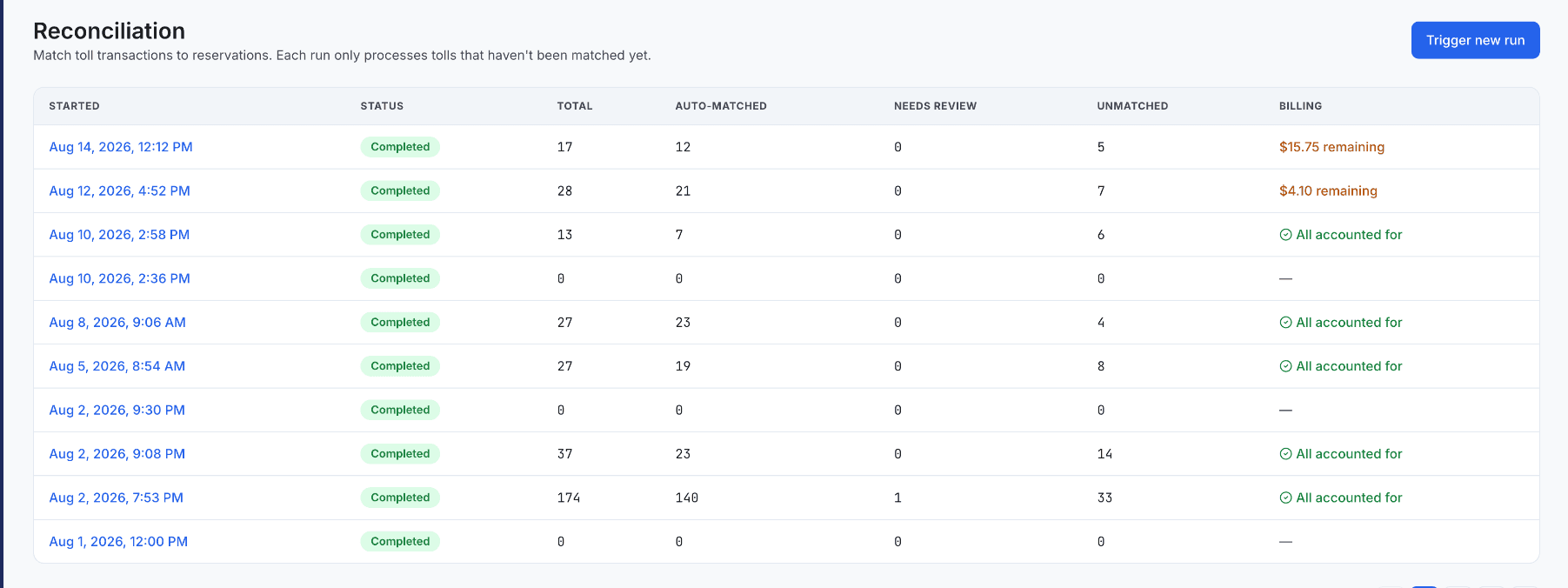
Virginia is a demanding toll market for a rental fleet — a single guest can encounter different toll operators, road names, posting delays, and plate-based transactions in one trip. The accounting problem is never simply "who drove through a toll?" It's: which vehicle, which reservation, which charge, and what evidence supports the match.
Start with three clean records
Keep a current vehicle roster with plate, state, transponder, and active dates. Import reservations with exact start and end times. Then import the complete E-ZPass transaction export without deleting unfamiliar rows. Virginia E-ZPass offers business accounts alongside personal ones — a business account (built for holding the account in a company name, and required for vehicles over two axles or 7,000 lbs. gross weight) fits a fleet structure better than a collection of personal tags, though special rules and an EIN apply. Match on the strongest identifiers first: transponder-to-vehicle assignment, then plate and state, then transaction timestamp inside the reservation window — route or plaza data can help confirm a match, but it shouldn't replace a valid time-and-vehicle relationship.
Treat exceptions as work, not noise
Put transactions outside every reservation window, unknown plates, duplicate imports, and low-confidence matches into review. A small buffer around pickup and return can be useful, but document the rule and avoid automatically assigning every nearby transaction to a guest. Before seeking reimbursement, verify Turo's current policy, the allowable amount, evidence requirements, and submission deadline — and preserve the original toll record and reservation linkage so a reviewer can reproduce the decision later. Kelviz organizes Virginia's mixed-operator transactions, reservations, and vehicles into one workflow instead of a growing spreadsheet.
Official sources
Last verified 2026-08-14. Policies and fees can change — confirm current details with the source directly before relying on them.
Kenneth Elliott operates Elliottz Motors and has managed more than 1,000 Turo trips.